Compatible Controllers
Rugby Time is played with a controller; the keyboard and mouse don't work in a match. These work straight away over USB or Bluetooth, with no remapping. Plug one in, or pair it with your computer, then on the welcome screen press any button to wake it and Cross (A on an Xbox controller) to start.
| Controller | Connection | Notes |
|---|
| PlayStation 5 DualSense | USB-C or Bluetooth | The controller the game is designed around |
| PlayStation 5 DualSense Edge | USB-C or Bluetooth | Back paddles are not used |
| PlayStation 4 DualShock 4 | Micro-USB or Bluetooth | |
| Xbox Series X|S controller | USB-C or Bluetooth | |
| Xbox One controller | Micro-USB or Bluetooth | Bluetooth needs the later model with the plastic around the Xbox button |
| Xbox 360 controller | USB (wired) | Windows only |
| Nintendo Switch Pro Controller | USB-C or Bluetooth | Buttons work by position: the bottom face button is Cross |
| 8BitDo controllers | USB or Bluetooth | Set to X-input mode |
| Logitech F310 and F710 | USB | Set the switch on the back to X |
The on-screen prompts show PlayStation buttons. On an Xbox-style controller, Cross is A, Circle is B, Square is X and Triangle is Y. Connect two controllers for local two-player matches.
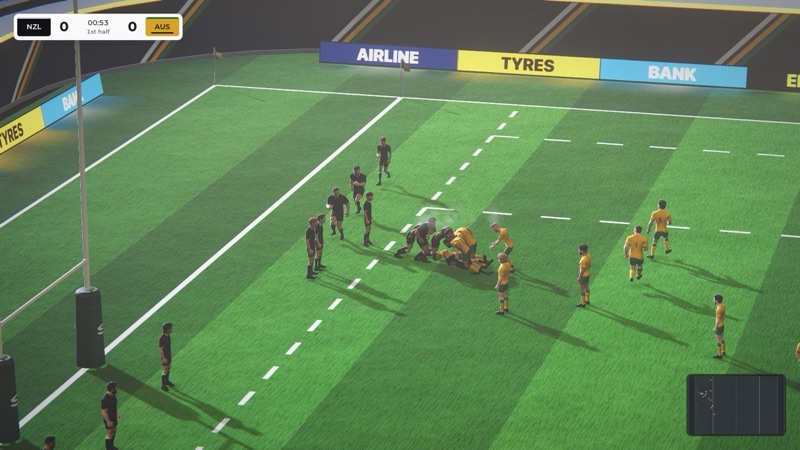 Gameplay video coming soon